our blog

How To Scale AI From Prototype To Production
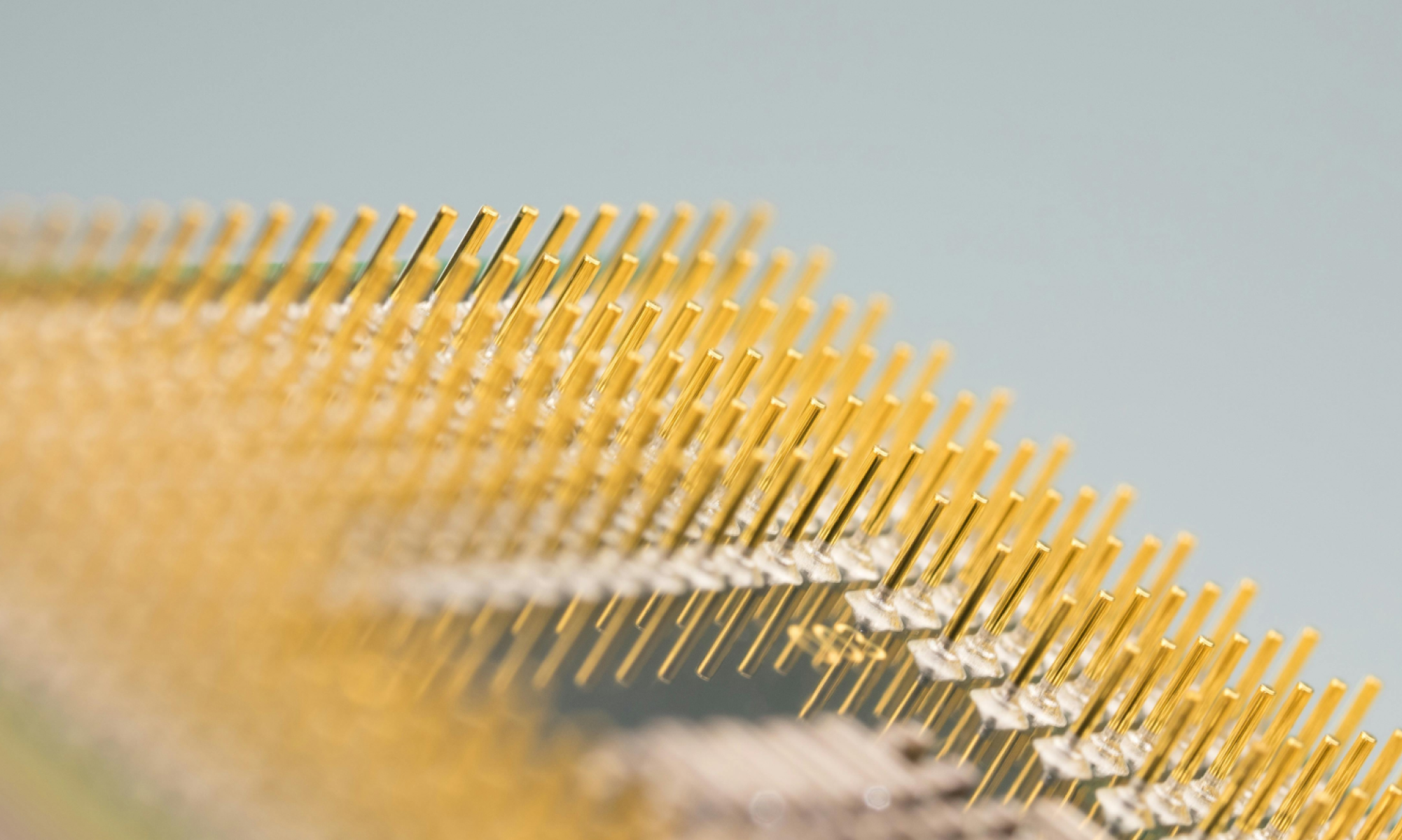
Illustration of AI moving from prototype stage to production with data pipelines and workflow integration.

A proof of concept is just the first step. Many AI projects show early promise but stall when it comes to scaling into production. Without a clear plan, early wins can quickly fade.

POCs often run into the same issues: messy or incomplete data, unclear ownership, overambitious scope, or models deployed once and forgotten. Without planning for integration, monitoring and iteration, even the most promising prototypes rarely deliver sustained value.

Scaling AI successfully means thinking beyond the prototype. At SG, we start by defining an architecture that can grow with the project and assigning clear ownership so accountability is built in from the start. Success metrics are established early, and models are continuously monitored, refined and retrained. We also consider integration into real workflows from day one, making sure AI outputs aren’t just experimental, but actionable and reliable.

The warning signs are easy to spot: a promising POC without a route to production, reliance on manual interventions, or expectations set too high without a plan for long-term maintenance. These are often the reasons AI fails to reach its potential.

We’ve taken the same approach in our own work. Pulse - our internal delivery intelligence platform - was designed with scaling in mind from the start. Instead of treating it as a one-off experiment, we built in architecture, governance and retraining loops early. Today, Pulse uses AI to surface trends and anomalies in delivery metrics, while our product managers validate and act on the insights. It’s a practical example of how AI can empower teams: combining automation with human judgement to improve outcomes.

At Studio Graphene, we treat POCs as the first step in building a valuable AI product, not just a demo. By planning for production from the outset, integrating AI into workflows, continuously validating outputs and keeping humans central for interpretation and decisions, we make sure AI evolves into a reliable tool that genuinely adds value over the long term.


spread the word, spread the word, spread the word, spread the word,
Illustration showing AI tools integrated into a workflow, with humans reviewing outputs and making decisions at key points.
AI

Orchestrating AI for Smarter Workflows

Illustration showing AI handling complex, uncertain tasks while predictable processes use rules-based systems.
AI

When to Use AI and When Not To

AI-driven software development shifting requirements from detailed documentation to rapid iteration and smarter effort
AI

Why AI Is Changing How Software Requirements Are Written

Workflow diagram illustrating AI agents producing outputs with human oversight and structured intervention points
AI

When AI Agents Get It Wrong

Workflow diagram showing multiple AI agents being monitored with human oversight
AI

Running AI Agents Reliably in Production

Orchestrating AI for Smarter Workflows

Illustration showing AI tools integrated into a workflow, with humans reviewing outputs and making decisions at key points.
AI

Orchestrating AI for Smarter Workflows

When to Use AI and When Not To

Illustration showing AI handling complex, uncertain tasks while predictable processes use rules-based systems.
AI

When to Use AI and When Not To

Why AI Is Changing How Software Requirements Are Written

AI-driven software development shifting requirements from detailed documentation to rapid iteration and smarter effort
AI

Why AI Is Changing How Software Requirements Are Written

When AI Agents Get It Wrong

Workflow diagram illustrating AI agents producing outputs with human oversight and structured intervention points
AI

When AI Agents Get It Wrong

Running AI Agents Reliably in Production

Workflow diagram showing multiple AI agents being monitored with human oversight
AI

Running AI Agents Reliably in Production

Orchestrating AI for Smarter Workflows

Illustration showing AI tools integrated into a workflow, with humans reviewing outputs and making decisions at key points.

When to Use AI and When Not To

Illustration showing AI handling complex, uncertain tasks while predictable processes use rules-based systems.

Why AI Is Changing How Software Requirements Are Written

AI-driven software development shifting requirements from detailed documentation to rapid iteration and smarter effort

When AI Agents Get It Wrong

Workflow diagram illustrating AI agents producing outputs with human oversight and structured intervention points

Running AI Agents Reliably in Production

Workflow diagram showing multiple AI agents being monitored with human oversight